Category
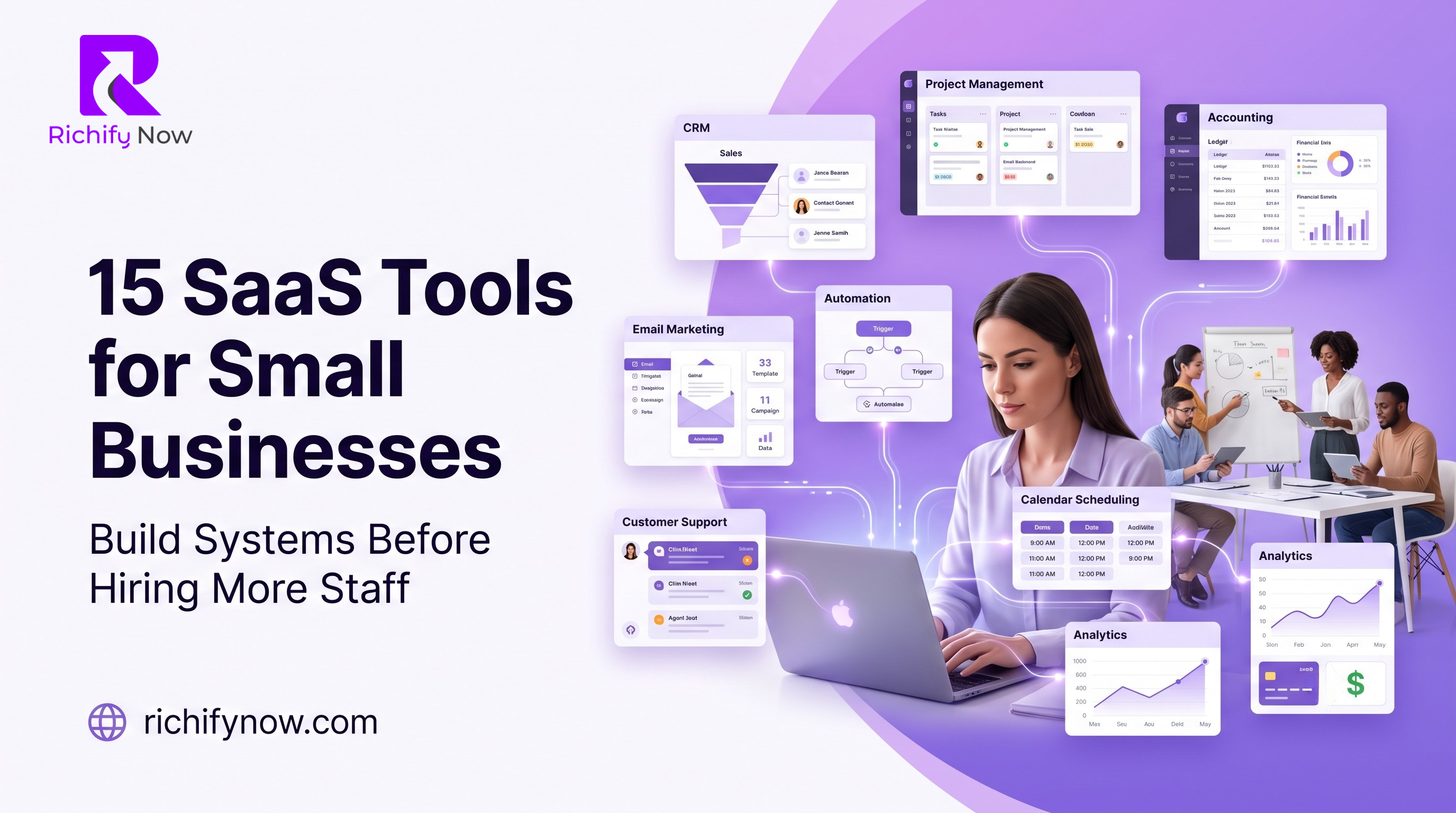
SaaS tools help small businesses organize sales, operations, projects, customers, finances, communication, and automation without building software from scratch. The right software stack can reduce manual work before hiring more people.
SaaS means software as a service: cloud-based software that users access through a subscription. Small businesses use SaaS tools for CRM, project management, accounting, marketing, automation, analytics, and operations.
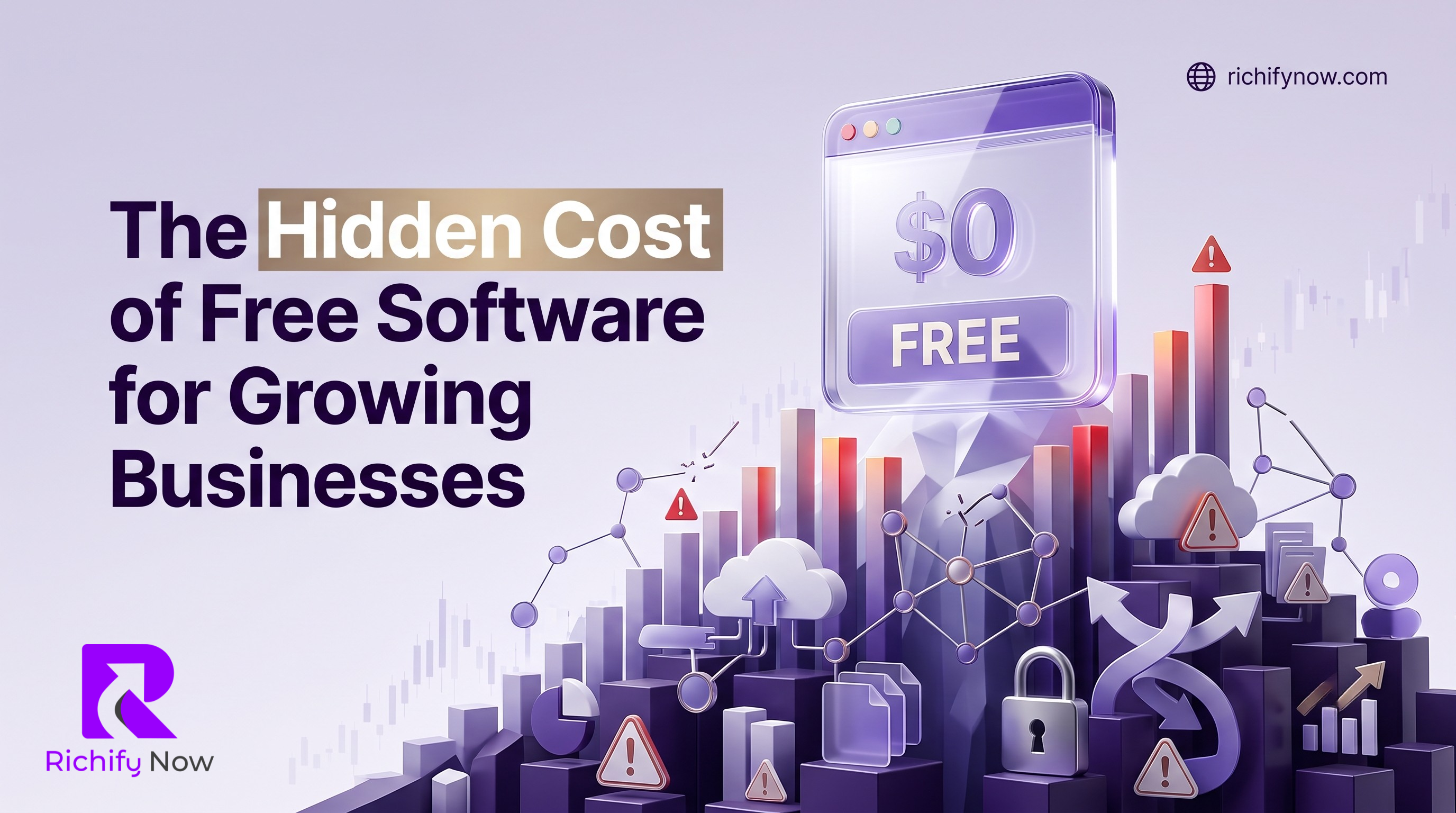
Free software may save money initially, but hidden productivity, security, integration and migration costs can make it expensive as a business grows.
Read the complete guideIn-depth articles that expand on the pillar guide and each cluster.
SaaS means software as a service. It refers to software applications provided through cloud infrastructure, commonly accessed through a web browser or application interface. The provider manages most of the underlying infrastructure, while the customer uses and configures the application.
The required tools depend on the business model. Common categories include accounting, customer relationship management, project management, email marketing, website management, payment processing, document storage, communication, scheduling, analytics, automation, and customer support. Businesses should buy software only when it solves a defined operational problem.
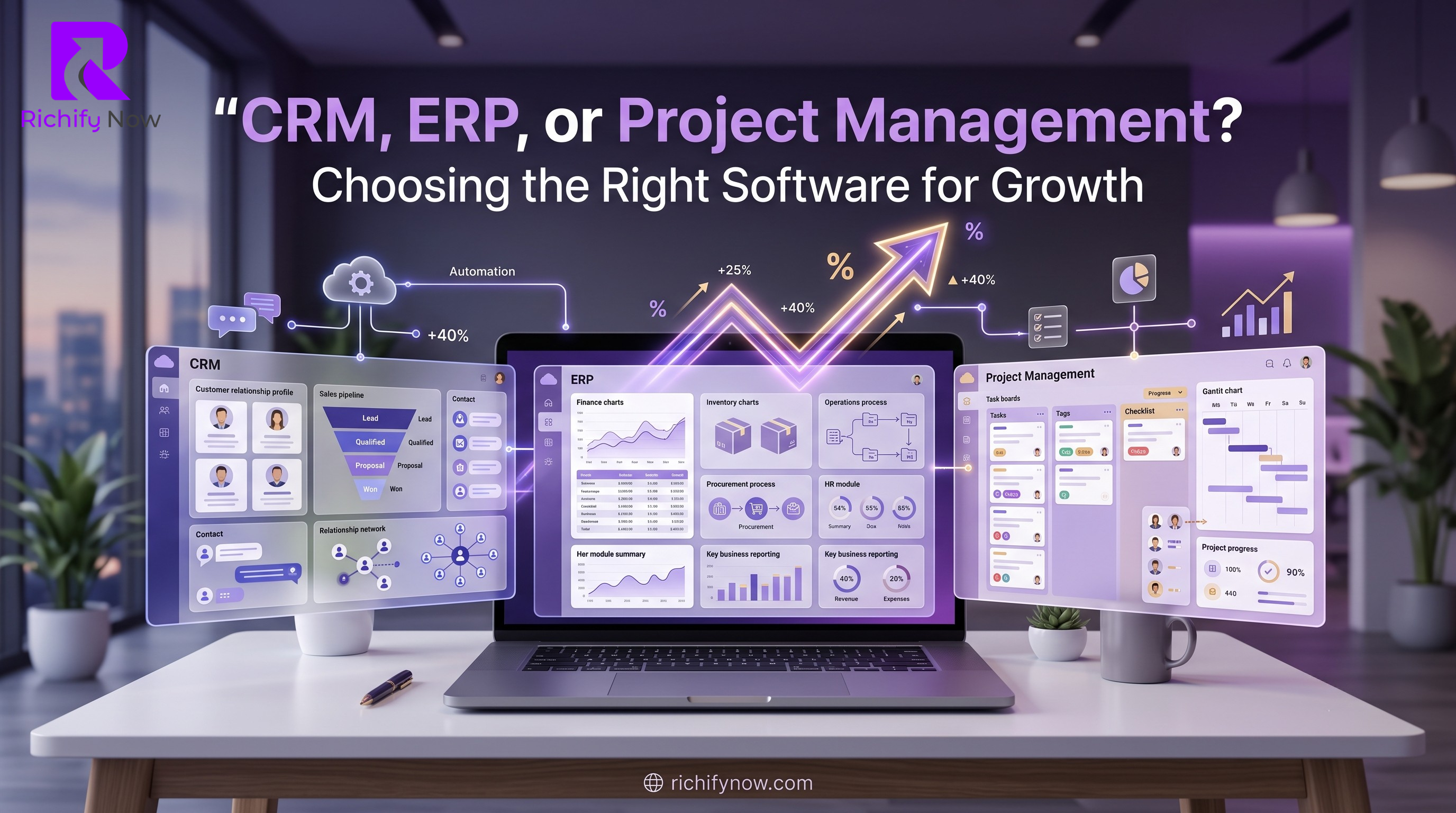
A CRM primarily manages prospects, customers, communication, and sales activity. Project management software organizes tasks, responsibilities, deadlines, and delivery. An ERP connects broader operational areas such as finance, inventory, purchasing, and supply chains. Some platforms combine features from all three categories.
Start by defining the problem, required users, essential features, budget, security needs, integrations, support expectations, and implementation capacity. Test the software with a realistic workflow before committing to a long contract. Also review data ownership, export options, cancellation terms, and total cost as the team grows.
Free tools can be suitable for testing or simple operations, but they may have limits on users, storage, automation, support, integrations, or data export. Paid software may be justified when it saves significant time, improves revenue, reduces risk, or supports critical processes. The decision should be based on total business value rather than price alone.
We will use this email to record and deliver your requested resource.