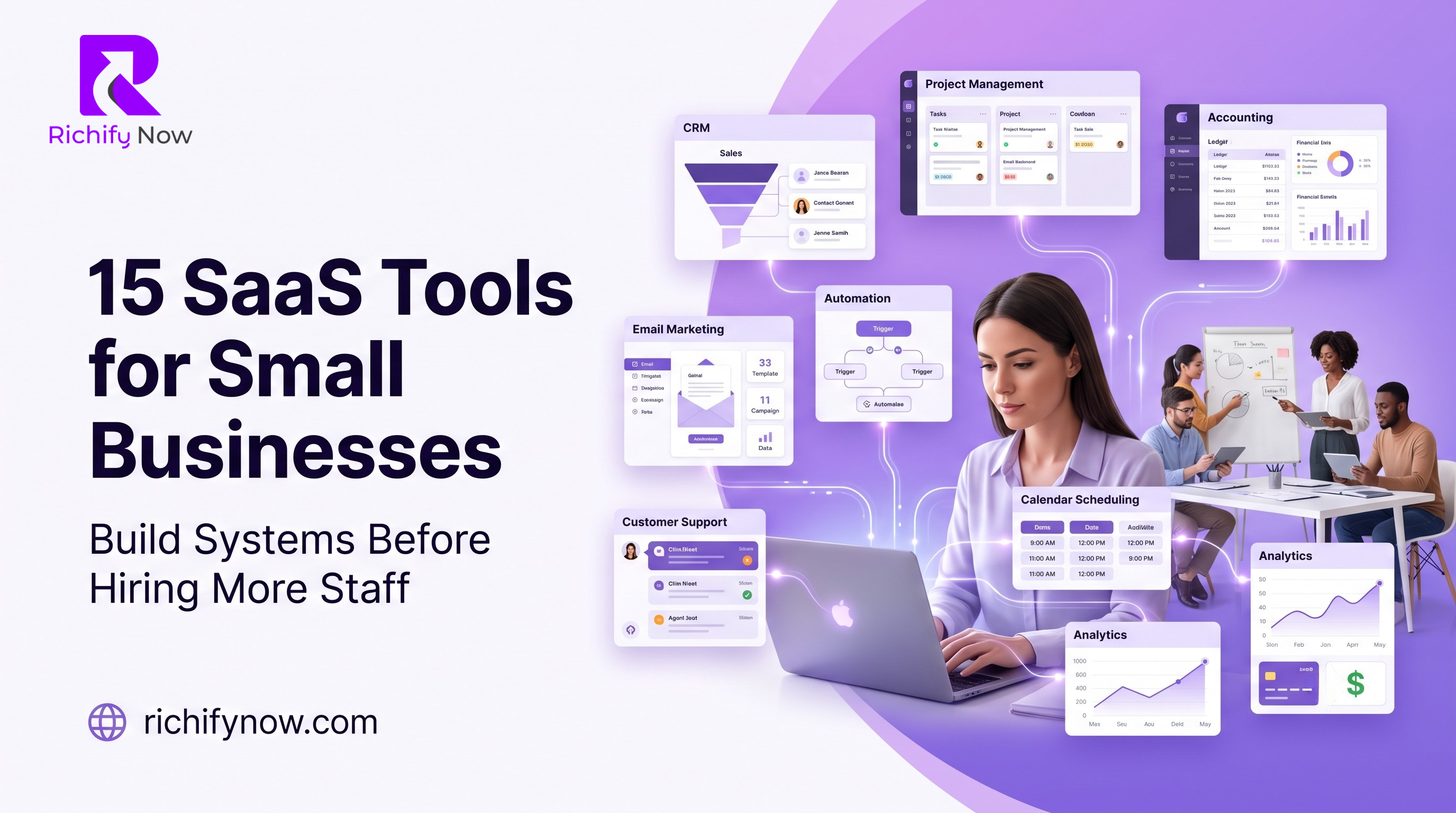
15 SaaS Tools Every Small Business Should Use Before Hiring More Staff 🚀
Before hiring more staff, small businesses should first build better systems This guide explains 15 SaaS tools that can help manage leads, tasks, communication, accounting, marketing, customer support, automation, payments, and reporting more efficiently

Introduction:
Hiring more people is not always the first solution to business growth. Many small businesses rush to add staff because the owner feels overwhelmed, the team is busy, customers are waiting, tasks are scattered, and daily operations feel messy. But in many cases, the real problem is not lack of people. The real problem is lack of systems.
Before a small business hires another employee, it should first ask one important question: can software handle part of this workload better, faster, and cheaper?
SaaS tools, or Software as a Service tools, help small businesses organize work, automate repetitive tasks, manage customers, track money, schedule meetings, create content, support clients, and measure performance without building a large team too early.
AEO Answer Card
Small businesses can use SaaS tools to automate or organize sales, finance, projects, marketing, support, documents, scheduling, analytics, and communication before adding more staff.
Quick Business Insight 🧠
A small business should not use software to avoid hiring forever. It should use software to make hiring smarter. The right SaaS stack helps your team remove busywork, improve speed, reduce mistakes, and create repeatable systems before adding more salaries to the business.
Why Small Businesses Should Use SaaS Before Hiring More Staff ⚙️
Hiring is expensive. A new employee does not only bring a salary cost. There is also onboarding, training, management time, workspace, tools, benefits, communication, supervision, and performance risk. If the business has no proper systems, the new employee may simply enter the same chaos and create more confusion.
SaaS tools solve a different problem. They help the business build structure before adding more people. A CRM can organize leads before hiring a sales assistant. An accounting tool can clean financial records before hiring a finance person. A project management tool can organize tasks before hiring a project coordinator. An automation tool can connect apps before hiring an admin worker.
The smartest businesses do not hire just because they are busy. They first identify which tasks are repetitive, which tasks need human judgment, and which tasks can be automated or simplified.
When the right tools are in place, hiring becomes more effective because new staff members join a system, not a mess.
The 15 Tool Categories Small Businesses Need 📌
This guide does not mean every small business must buy every tool on day one. The better approach is to choose tools based on your biggest bottleneck. If your leads are messy, start with CRM. If your tasks are scattered, start with project management. If your team loses time in manual work, start with automation. If your cash flow is unclear, start with accounting.
The goal is to create a lean SaaS stack that supports growth without unnecessary complexity.
1. Business Email And Workspace Tool 📧
Every small business needs a professional workspace before it hires more people. Using personal email addresses for business communication may work at the very beginning, but it quickly becomes unprofessional and difficult to manage.
A business workspace tool gives your team professional email, cloud storage, shared documents, calendars, meeting tools, spreadsheets, and collaboration features in one place.
Popular examples include Google Workspace and Microsoft 365.
This type of tool helps small businesses organize communication, create shared folders, manage documents, schedule internal meetings, and give new employees access to company resources without confusion.
Before hiring more staff, your business should have a clean email structure, shared drive system, naming rules for documents, team calendars, and access permissions. Otherwise, every new person will create their own messy version of the system.
2. Team Communication Tool 💬
Small businesses often lose hours because communication is spread across WhatsApp, email, phone calls, sticky notes, and random messages. When information is scattered, tasks are delayed, instructions are repeated, and team members miss important updates.
A team communication tool creates one place for internal conversations. It can organize discussions by department, project, client, campaign, or priority.
Popular examples include Slack, Microsoft Teams, and Google Chat.
The main benefit is speed. Instead of searching through old messages or asking the same question again, team members can find updates in the right channel. This reduces confusion and makes the business feel more organized.
Before hiring more staff, create communication rules. Decide which updates go in email, which go in chat, which need meetings, and which should be added to project management. This prevents your communication tool from becoming another noisy inbox.
3. Project Management Tool ✅
A small business cannot scale if all tasks live inside the owner's head. As work increases, people forget deadlines, clients ask for updates, campaigns get delayed, and responsibilities become unclear.
A project management tool helps teams plan, assign, track, and complete work. It gives visibility into who is doing what, when it is due, and what is stuck.
Popular examples include Asana, Trello, ClickUp, Monday com, and Notion.
This tool is especially useful before hiring because it shows whether your problem is truly lack of people or poor task management. Sometimes, a team does not need another employee. It needs clearer priorities.
A good project management system should include task owners, deadlines, status labels, priority levels, project templates, recurring tasks, and simple reporting. When new staff join, they should instantly see how work moves through the business.
4. CRM Tool For Leads And Customers 🤝
A CRM, or Customer Relationship Management tool, is one of the most important systems for a growing business. Many small businesses lose money because leads are not followed up properly, customer details are not saved, and sales conversations are scattered across inboxes and chats.
A CRM keeps contact information, deal stages, follow ups, notes, emails, calls, tasks, and sales opportunities in one place.
Popular examples include HubSpot CRM, Zoho CRM, Pipedrive, Freshsales, and Capsule.
Before hiring more sales staff, a business should first build a clean sales pipeline. This allows the owner to see how many leads are coming in, where deals are getting stuck, how many follow ups are pending, and which sources produce better customers.
Without a CRM, hiring a salesperson may only create more activity without better control. With a CRM, sales activity becomes trackable and repeatable.
5. Accounting And Cash Flow Tool 💰
Money confusion is one of the biggest problems in small businesses. Owners may know that sales are happening, but they may not clearly know profit, expenses, unpaid invoices, tax liabilities, cash flow gaps, or monthly financial trends.
Accounting software helps businesses track income, expenses, invoices, payments, reports, bills, and financial health.
Popular examples include QuickBooks, Xero, FreshBooks, Wave, and Zoho Books.
Before hiring more staff, a business should understand whether it can afford the hire. This means knowing monthly revenue, recurring expenses, profit margins, tax obligations, and cash reserves.
Hiring without financial clarity can create pressure. Accounting software helps the business make hiring decisions based on numbers, not emotions.
6. Scheduling And Appointment Tool 📅
Scheduling meetings manually wastes more time than many business owners realize. The back and forth messages, missed slots, timezone confusion, reminders, cancellations, and rescheduling can quietly eat hours every week.
A scheduling tool allows clients, prospects, partners, and team members to book available times based on your calendar rules.
Popular examples include Calendly, Google Calendar appointment schedules, TidyCal, Acuity Scheduling, and SavvyCal.
This tool is especially valuable for consultants, agencies, service providers, coaches, clinics, real estate teams, sales teams, and customer success teams.
Before hiring an assistant just to manage calendars, a small business should automate meeting booking, reminders, confirmation emails, and follow up workflows. The assistant can then focus on higher value tasks instead of basic scheduling.
7. Marketing Design Tool 🎨
Small businesses need regular visual content for social media posts, presentations, brochures, ads, banners, proposals, flyers, pitch decks, email graphics, and website sections. Hiring a full time designer may not be possible in the early stage.
A design tool helps non designers create professional looking visuals using templates, brand kits, stock elements, and simple editing features.
Popular examples include Canva, Adobe Express, VistaCreate, and Figma for more design focused teams.
This does not mean software replaces a skilled designer. A professional designer is still valuable for brand identity, custom campaigns, UI design, and high quality creative work. But for daily marketing needs, a design tool can reduce dependency and speed up content production.
Before hiring more marketing staff, create templates for posts, offers, case studies, proposals, testimonials, and ads. This makes content production faster and more consistent.
8. Email Marketing Tool 📩
Social media reach can be unpredictable, but email gives businesses a direct way to communicate with leads and customers. A small business that does not build an email list often depends too heavily on ads, referrals, or social platforms.
An email marketing tool helps collect subscribers, send newsletters, create campaigns, segment audiences, automate follow ups, and measure results.
Popular examples include Mailchimp, Brevo, ConvertKit, Klaviyo, ActiveCampaign, and HubSpot Marketing Hub.
Before hiring more sales or marketing staff, a business should build basic email flows. These may include welcome emails, lead nurturing, abandoned cart emails, appointment reminders, proposal follow ups, product education, and customer reactivation campaigns.
Good email automation allows your business to keep communicating even when the team is busy.
9. Customer Support And Helpdesk Tool 🎧
Customer support becomes difficult when requests arrive through email, phone, social media, website forms, live chat, and WhatsApp. Without a system, customers wait longer and team members may answer the same question repeatedly.
A helpdesk tool organizes customer support tickets, conversations, response status, priority, ownership, and support history.
Popular examples include Zendesk, Freshdesk, Help Scout, Intercom, Gorgias, and Zoho Desk.
Before hiring more support agents, a business should organize support categories, create common replies, build a knowledge base, track response time, and identify repeated issues.
This helps the business reduce avoidable support volume. Sometimes, the best support hire is not another person. It is better documentation and clearer processes.
10. Automation Tool 🔄
Automation is one of the strongest reasons to use SaaS before hiring more staff. Many tasks in small businesses are repetitive. Someone copies form leads into a CRM. Someone sends the same follow up email. Someone creates tasks from messages. Someone updates spreadsheets manually.
An automation tool connects different apps and moves information between them without constant human input.
Popular examples include Zapier, Make, Pabbly Connect, and n8n.
Useful automations may include sending website form leads to CRM, creating tasks from new deals, sending Slack notifications for new orders, adding new customers to email lists, saving invoices to folders, or sending follow up reminders after meetings.
Before hiring an admin assistant for repetitive work, a business should audit which tasks happen again and again. If a task is rule based, frequent, and low judgment, automation may handle it better.
11. Documentation And Knowledge Base Tool 📚
A business becomes harder to manage when all knowledge lives inside people's heads. If only one person knows how to onboard a client, run payroll, publish a blog, create a proposal, handle a refund, or update a website, the business is fragile.
A documentation tool stores processes, guides, checklists, policies, templates, meeting notes, training material, and internal knowledge.
Popular examples include Notion, Confluence, Slite, Coda, Google Docs, and Guru.
Before hiring more staff, document your most repeated processes. This includes client onboarding, sales follow up, content publishing, support response, invoice creation, project delivery, and quality checks.
Documentation makes hiring easier because new staff members can learn from a system instead of constantly asking the owner.
12. Proposal Contract And E Signature Tool 🖊️
Small businesses often lose deals because proposals are slow, contracts are messy, or signatures take too long. A client may be ready to start, but the business delays the paperwork.
Proposal and e signature tools help create professional proposals, send contracts, collect signatures, track document views, and speed up approvals.
Popular examples include DocuSign, PandaDoc, Dropbox Sign, Better Proposals, and Proposify.
Before hiring more sales or admin staff, a business should standardize proposals and contracts. Create templates for common services, pricing packages, payment terms, timelines, scope, revisions, and approvals.
This reduces manual work and makes the sales process feel more professional. A faster proposal system can improve cash flow without adding another employee.
13. Video Recording And Training Tool 🎥
Not every explanation needs a live meeting. Small businesses waste a lot of time repeating the same instructions to clients, employees, freelancers, and partners.
A video recording tool allows users to record screen walkthroughs, tutorials, updates, feedback, training videos, and process explanations.
Popular examples include Loom, Tella, Vidyard, Sendspark, and Vimeo Record.
This is useful for onboarding clients, giving design feedback, explaining software steps, training new employees, showing bugs to developers, or sending quick project updates.
Before hiring a trainer, coordinator, or support person, record your most repeated explanations. A five minute video can replace dozens of repeated calls over time.
14. Analytics And Reporting Tool 📊
A small business cannot improve what it does not measure. Many owners make decisions based on feelings instead of data. They may believe a campaign is working, but they do not know the real numbers.
Analytics tools help track website traffic, leads, conversions, campaigns, customer behavior, revenue sources, and marketing performance.
Popular examples include Google Analytics, Looker Studio, Microsoft Clarity, Hotjar, Databox, and AgencyAnalytics.
Before hiring more marketing staff, a business should know which channels produce leads, which pages convert, which campaigns waste money, and which services bring better customers.
Reporting tools help the business hire based on bottlenecks. If paid ads generate leads but sales follow up is weak, you may need a sales system. If traffic is low, you may need SEO or content. If conversions are weak, you may need landing page improvements.
15. Payment And Invoicing Tool 💳
Cash flow depends on how quickly a business can collect money. If payment collection is slow, confusing, or manual, the business may struggle even when it has customers.
Payment and invoicing tools help businesses send invoices, collect online payments, manage subscriptions, track unpaid bills, and make checkout easier.
Popular examples include Stripe, PayPal, Square, Razorpay, Payoneer, and accounting tools with invoicing features.
Before hiring someone to chase payments, make sure your payment process is simple. Invoices should be clear. Payment links should work. Terms should be visible. Reminders should be automated. Receipts should be easy to issue.
A smoother payment system can improve cash flow immediately and reduce the need for manual follow up.
How To Build Your SaaS Stack Without Overspending 🧾
SaaS tools are helpful, but too many subscriptions can become a financial burden. A small business should not buy software just because it is popular. Every tool should have a clear job.
Start with the biggest pain point. If leads are being lost, choose CRM first. If projects are delayed, choose project management first. If finances are unclear, choose accounting first. If repetitive tasks are wasting time, choose automation first.
Use free trials carefully. Test the tool with real work, not just curiosity. Ask whether the tool saves time, reduces mistakes, improves visibility, or increases revenue. If it does not solve a real problem, remove it.
Also avoid tools that overlap too much. If one platform already handles CRM, email marketing, scheduling, and support, you may not need four separate tools immediately.
A Simple SaaS Stack For A Small Business 🚀
A practical starter stack may look like this:
- Google Workspace for email, documents, storage, and meetings
- Slack or Google Chat for internal communication
- Asana, Trello, or ClickUp for project management
- HubSpot CRM or Zoho CRM for leads and customers
- QuickBooks or Xero for accounting
- Calendly for meeting scheduling
- Canva for everyday marketing designs
- Mailchimp, Brevo, or Klaviyo for email marketing
- Zapier or Make for automation
- Notion or Google Docs for documentation
This is enough for many small businesses to become more organized before hiring more people. The goal is not to create a complicated software environment. The goal is to create a simple operating system for the business.
When Should You Hire Instead Of Buying More Software? 👥
SaaS tools are powerful, but they cannot replace every human role. You should consider hiring when the work requires judgment, creativity, relationship building, strategy, leadership, or specialized expertise.
For example, a CRM can organize leads, but a skilled salesperson can build trust. Canva can help create simple designs, but a professional designer can build a strong brand identity. Accounting software can organize numbers, but an accountant can advise on tax and financial planning. Automation can move data, but a strategist decides what should be automated.
The best growth model is not software instead of people. It is software plus the right people.
Hire when you have a clear role, repeatable process, enough cash flow, and a system that supports the person. Do not hire just to fix chaos. Fix the chaos first, then hire into the system.
Common SaaS Mistakes Small Businesses Should Avoid ❌
The first mistake is buying too many tools at once. This creates subscription waste and team confusion.
The second mistake is not training the team. A tool is only useful if people know how to use it properly.
The third mistake is switching tools too often. Constantly changing platforms can destroy consistency.
The fourth mistake is using tools without process. Software should support a workflow. It cannot create discipline by itself.
The fifth mistake is not reviewing subscriptions. Every few months, check which tools are being used, which are duplicated, and which should be cancelled.
SaaS should simplify your business, not make it more complicated.
Frequently Asked Questions ❓
What is a SaaS tool?
A SaaS tool is cloud based software that users access through the internet, usually through a monthly or yearly subscription. It helps businesses manage work without installing complex software locally.
Should small businesses use SaaS before hiring?
Yes, in many cases small businesses should use SaaS tools before hiring because software can reduce manual work, organize operations, improve tracking, and make future hiring more effective.
What SaaS tool should a small business start with?
The best starting tool depends on the biggest problem. If leads are being lost, start with CRM. If finances are unclear, start with accounting. If tasks are scattered, start with project management.
Can SaaS tools replace employees?
SaaS tools can replace repetitive manual tasks, but they cannot fully replace human judgment, creativity, relationship building, leadership, and strategic thinking.
How many SaaS tools does a small business need?
A small business should use only the tools that solve real problems. A lean stack of five to ten well used tools is usually better than twenty subscriptions that nobody manages properly.
Final Thoughts: Build Systems Before You Build Headcount 💜
Small businesses grow stronger when they build systems before adding more staff. Hiring can help growth, but hiring into a disorganized business can increase pressure instead of solving it.
The right SaaS tools help businesses manage communication, projects, leads, money, scheduling, marketing, support, automation, documentation, payments, and reporting with greater control.
Before hiring another employee, ask whether the work can be simplified, automated, documented, or organized through software. If the answer is yes, build the system first.
A smart SaaS stack does not replace ambition. It supports it. It gives small businesses the structure they need to grow without wasting time, money, or talent.
Hire people when the role is clear. Use software when the process is repeatable. Combine both when the business is ready to scale 🚀
SaaS Tool Selection Scorecard
Download the editable RichifyNow workbook with instructions, working fields, disclaimer, and the complete source-document specification.
Loading comments…